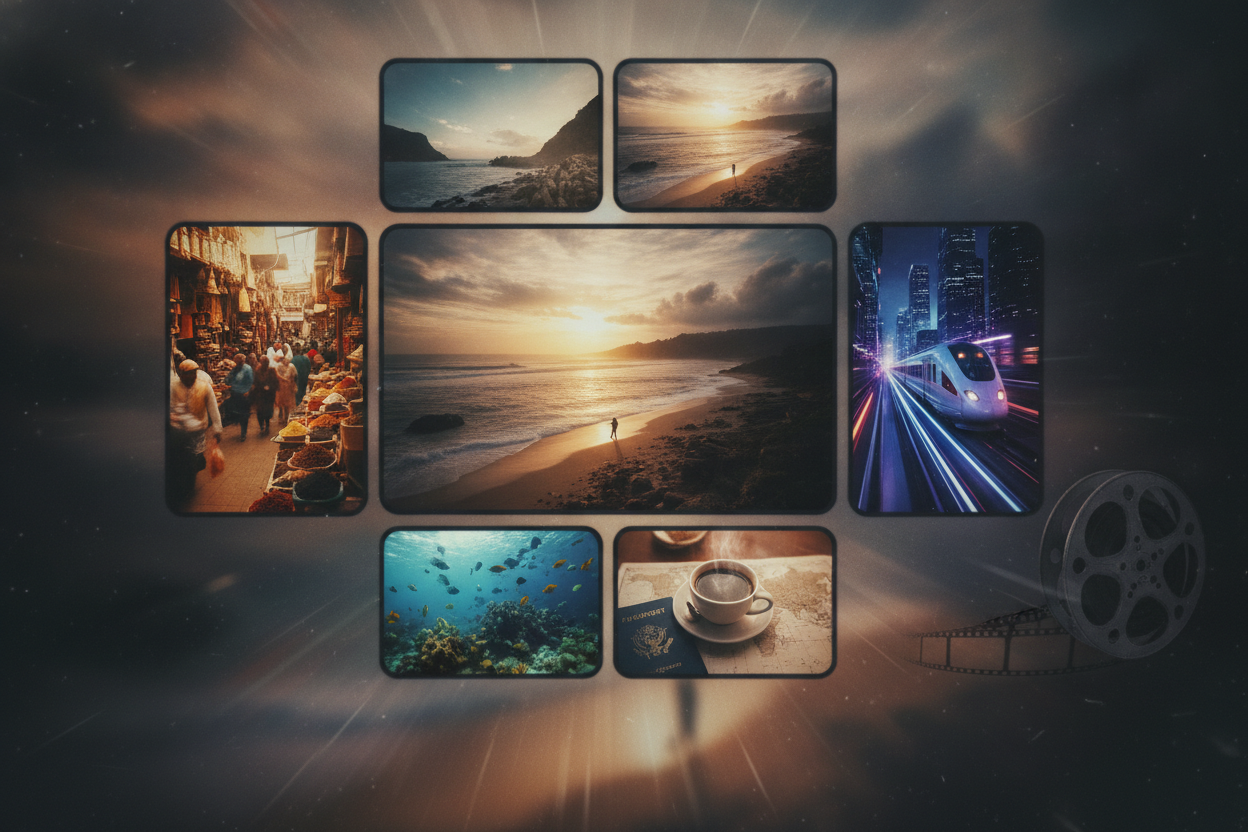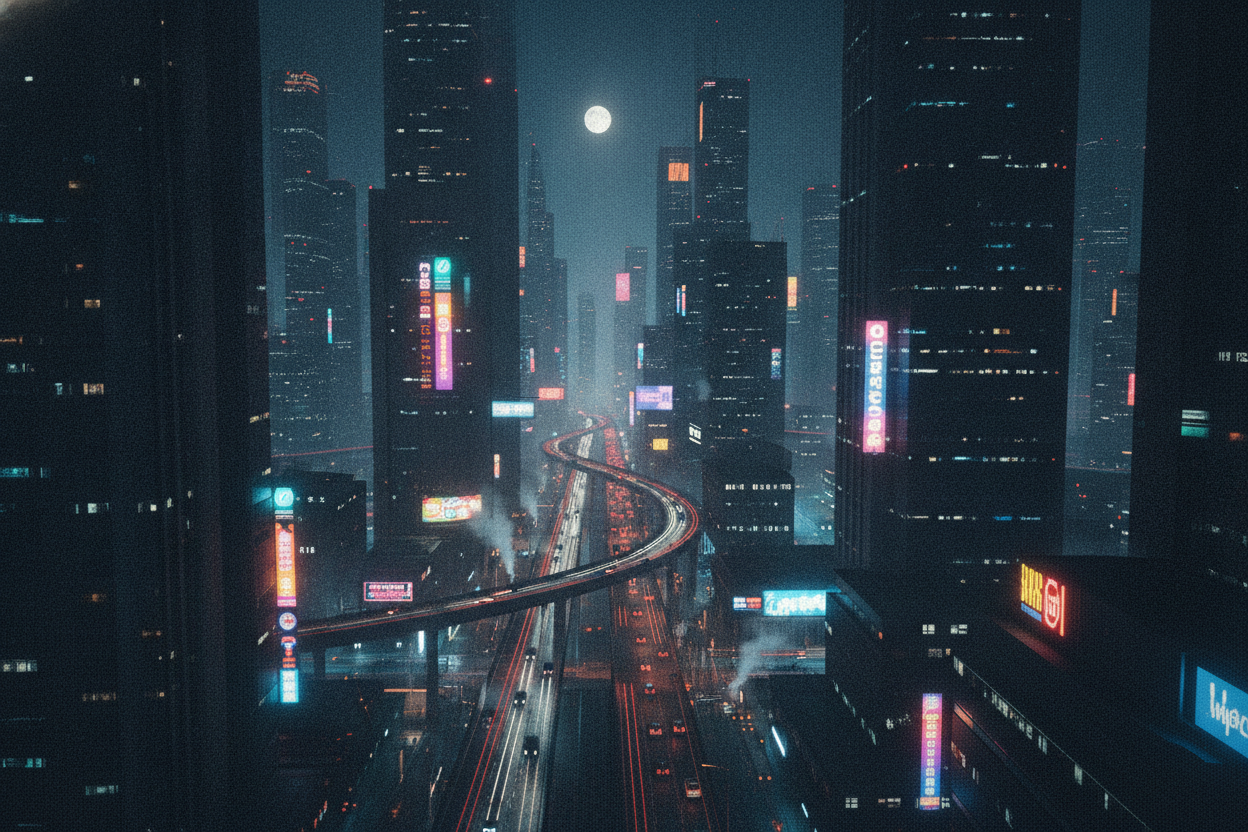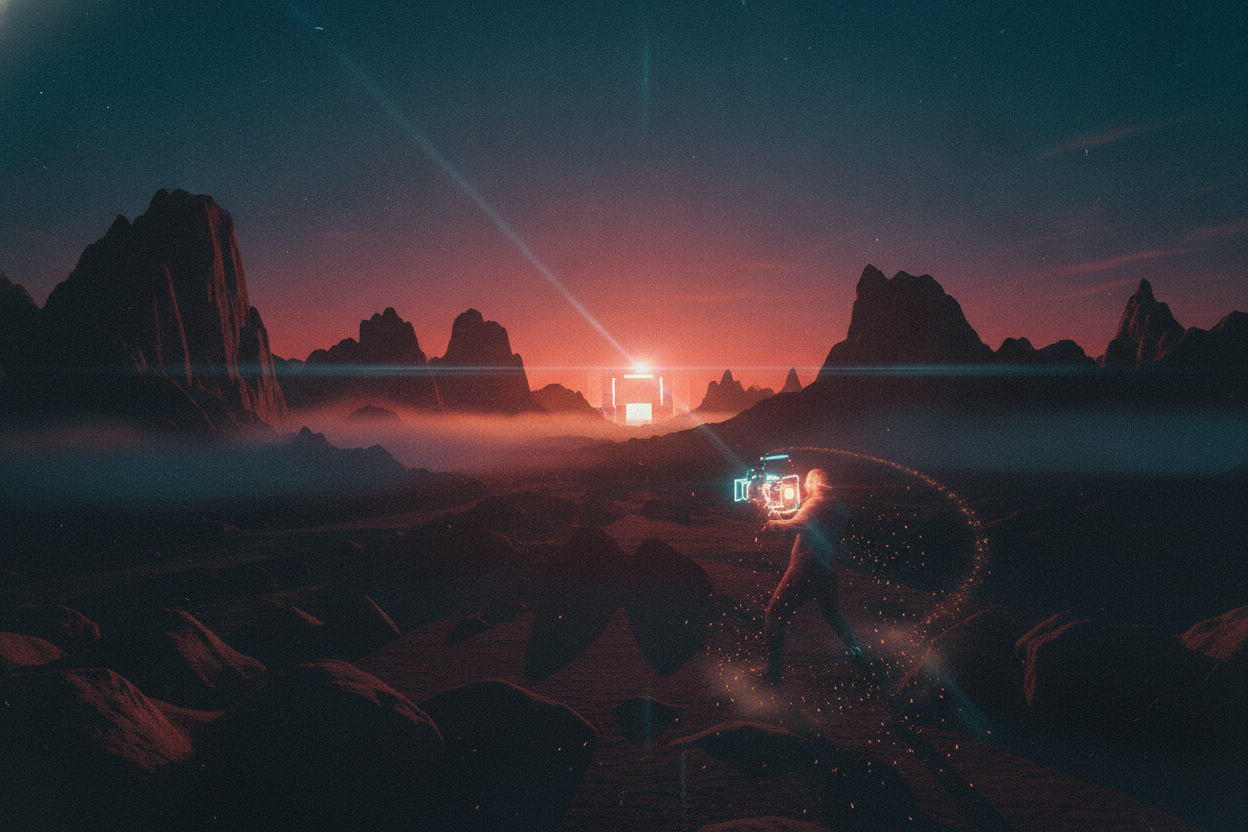
Cinematic video prompts can turn ordinary clips into content that feels more polished, emotional, and film-like. The strongest prompts usually describe the scene as if it were being shot by a director, with clear details about lighting, camera movement, and color tone. That extra specificity helps the AI understand the style you want instead of producing a generic result.
For video edits, think about movement first. Slow push-ins, smooth pans, handheld energy, or dreamy drift can all change the final feel of a clip. Then add lighting details such as golden hour, moody shadows, neon reflections, or soft backlight. These elements help build a believable cinematic atmosphere without making the prompt too complicated.
Color grading is another major part of the look. Warm contrast, desaturated tones, deep blues, and rich shadows can all support different storytelling goals. If you are editing a travel reel, a warmer and brighter look may fit better. If you are creating a dramatic montage, darker tones and stronger contrast can make the footage feel more intense.
The best cinematic prompts are easy to copy and adapt. Once you find a style that works, keep a version for intros, a version for transitions, and a version for dramatic close-ups. That way, your edits stay consistent while still giving each video a fresh visual identity.