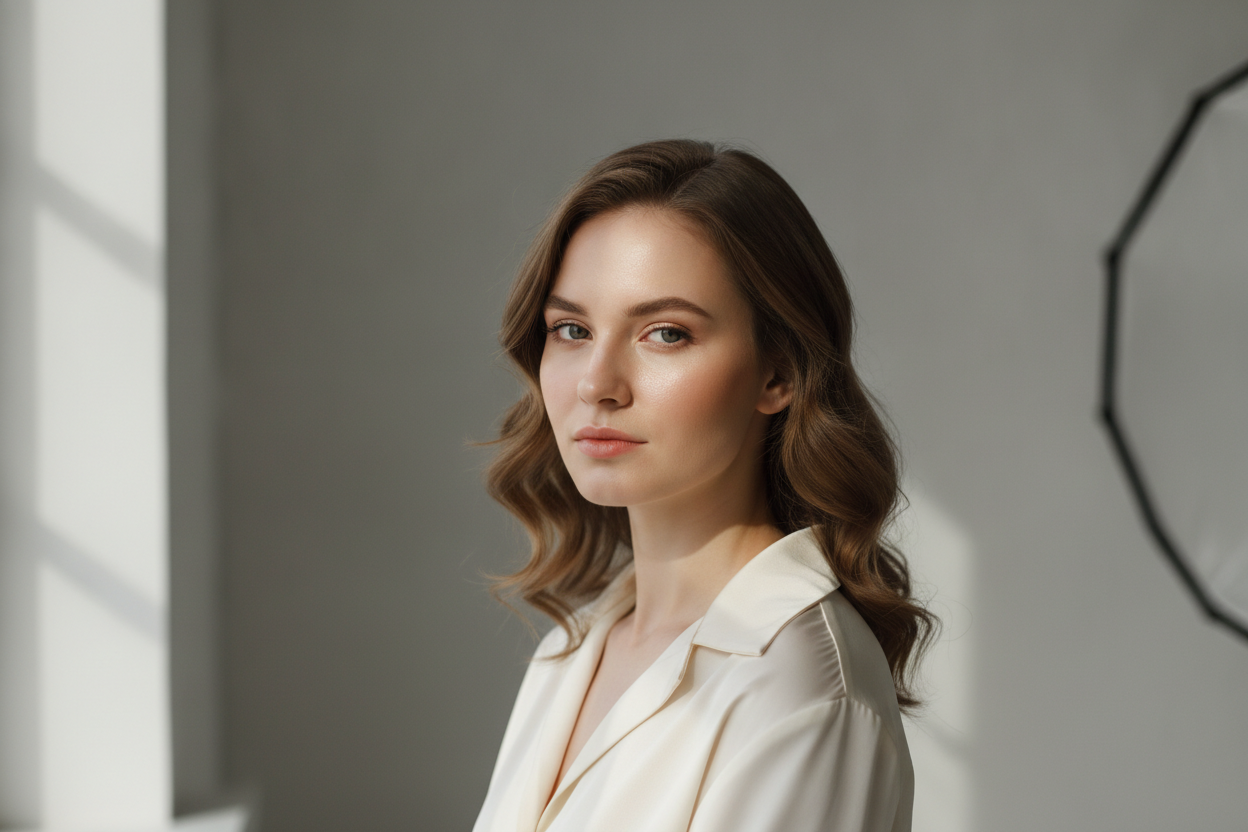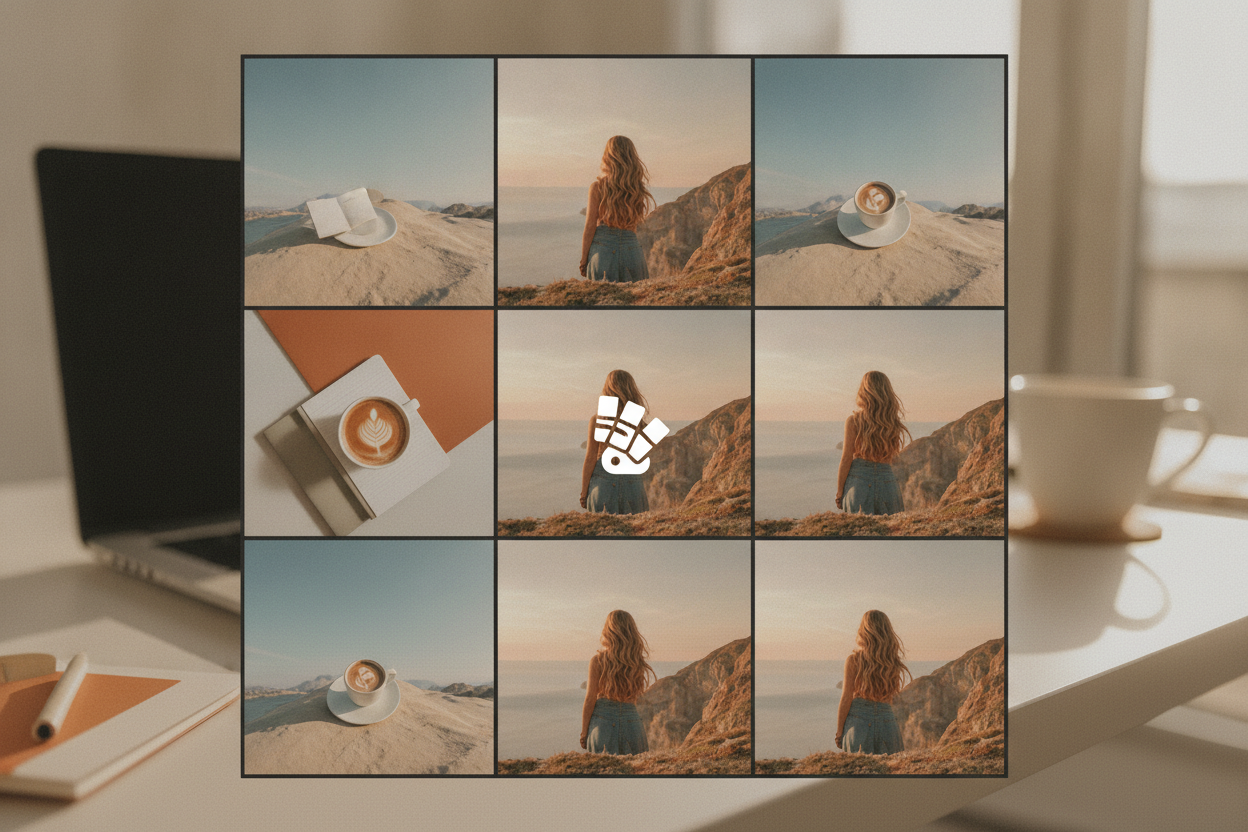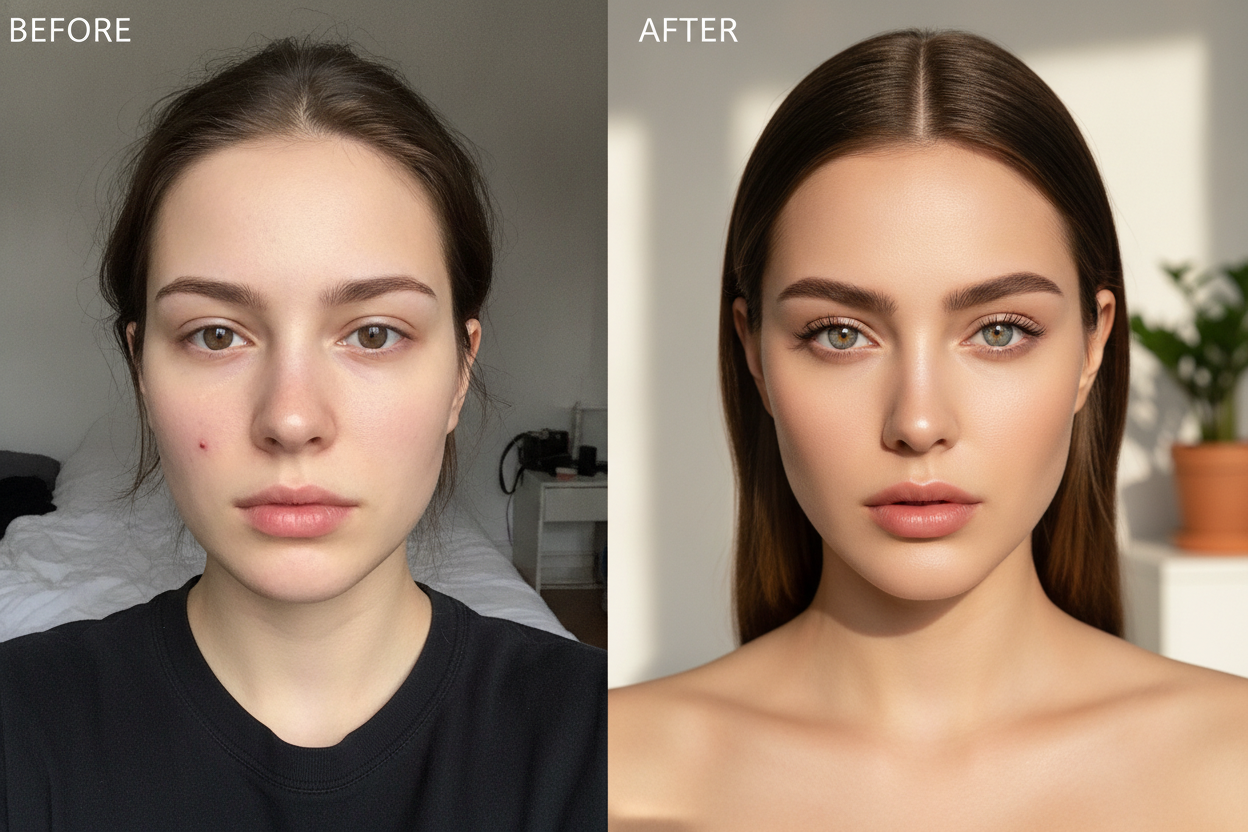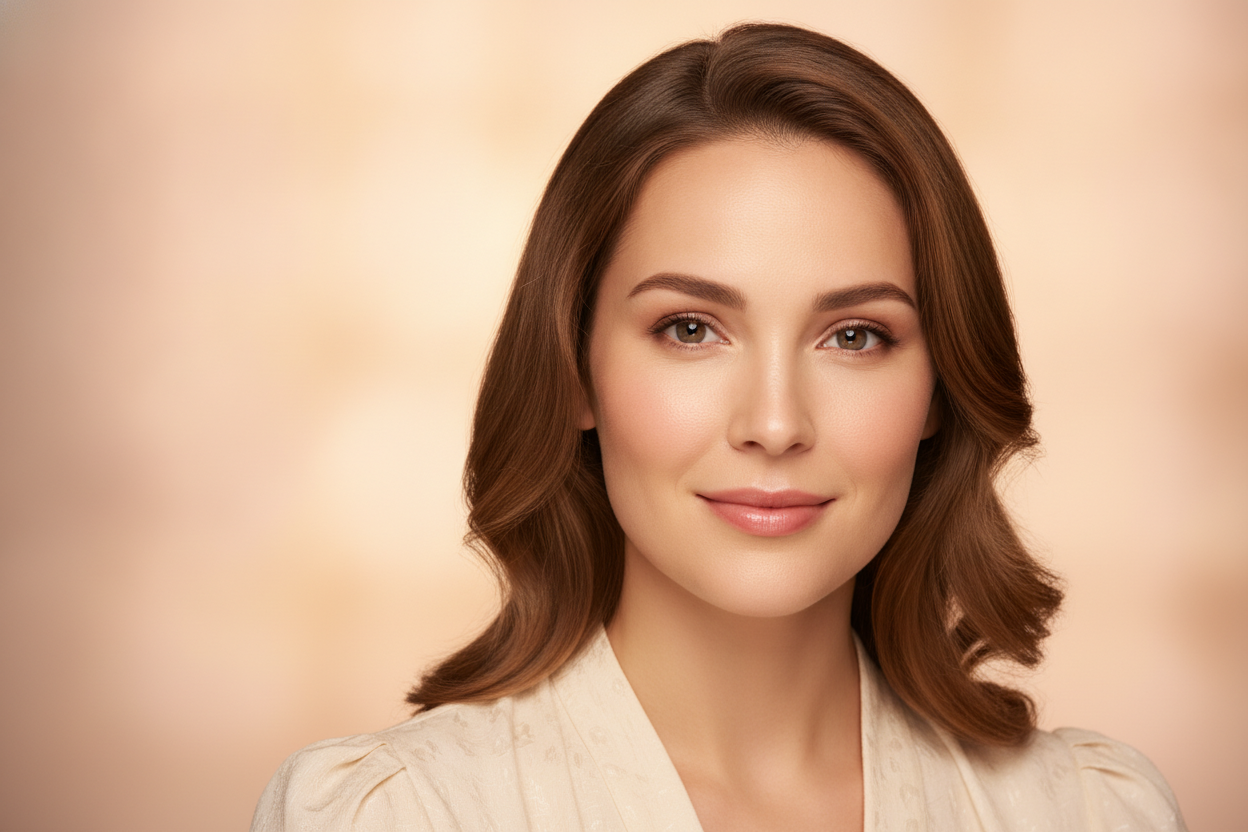
Portrait editing is one of the most useful places to use AI prompts because small changes can completely change the mood of an image. A good portrait prompt should enhance the subject without making the result look fake or overprocessed. For creators, that balance is what makes an edit feel polished and shareable.
Start by focusing on light direction, skin texture, and background cleanup. These three parts often define whether a portrait feels expensive or rushed. If the subject is shot indoors, ask for soft window light or studio-style illumination. If it is an outdoor photo, prompts that describe gentle sun glow or evening warmth usually create a more flattering finish.
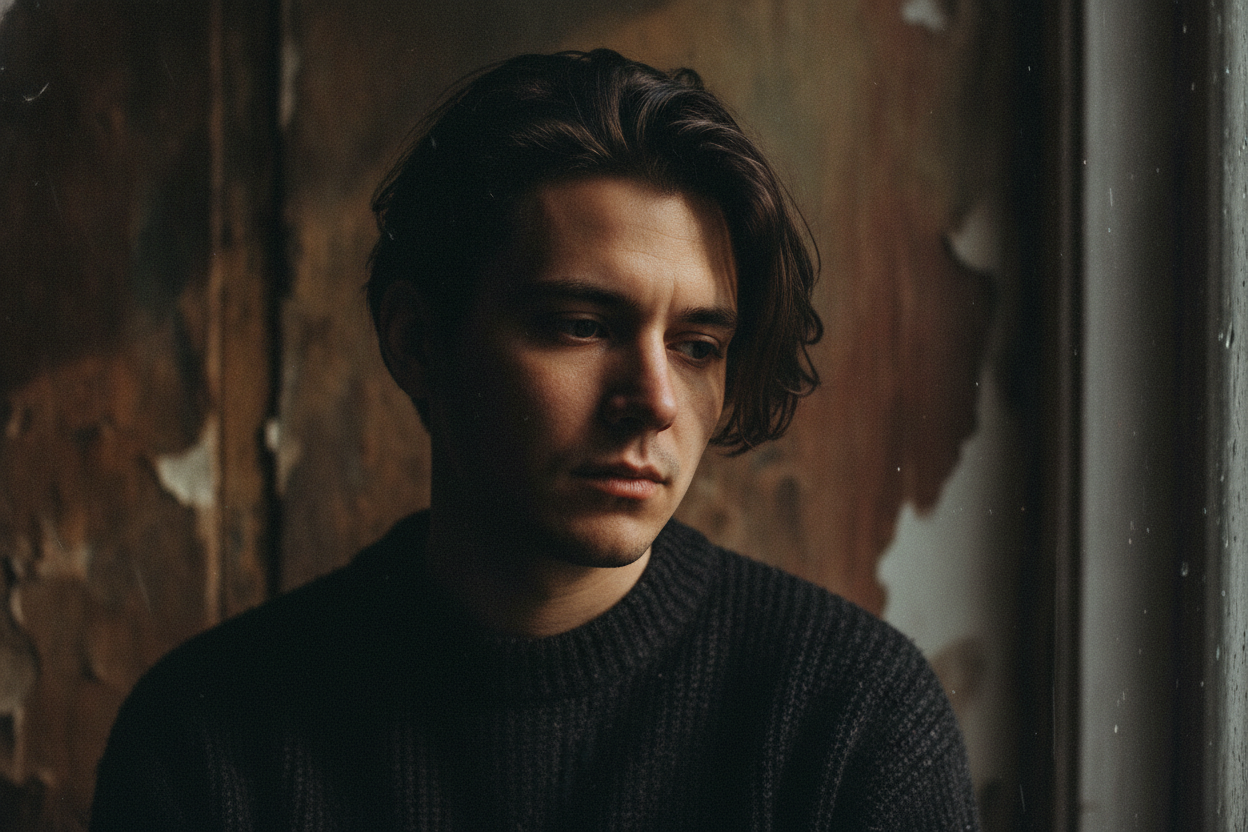
Another useful approach is to specify the emotional tone. Some portraits need a confident, editorial look, while others work better with a calm and dreamy style. When the prompt includes both technical and creative details, the output tends to feel more intentional and much easier to use for social media, personal branding, or portfolio posts.
Keep a few portrait prompt variations for different skin tones, outfits, and backgrounds. That makes your workflow faster and helps you find the versions that consistently produce clean, realistic results. Once you know what works, portrait editing becomes less about trial and error and more about repeating a style that your audience already likes.